
Sobre LIVEACESSO
This article delves into the online resources and tools utilized for live streaming, particularly on platforms like TikTok. It also provides insights into hardware configurations suitable for such activities.
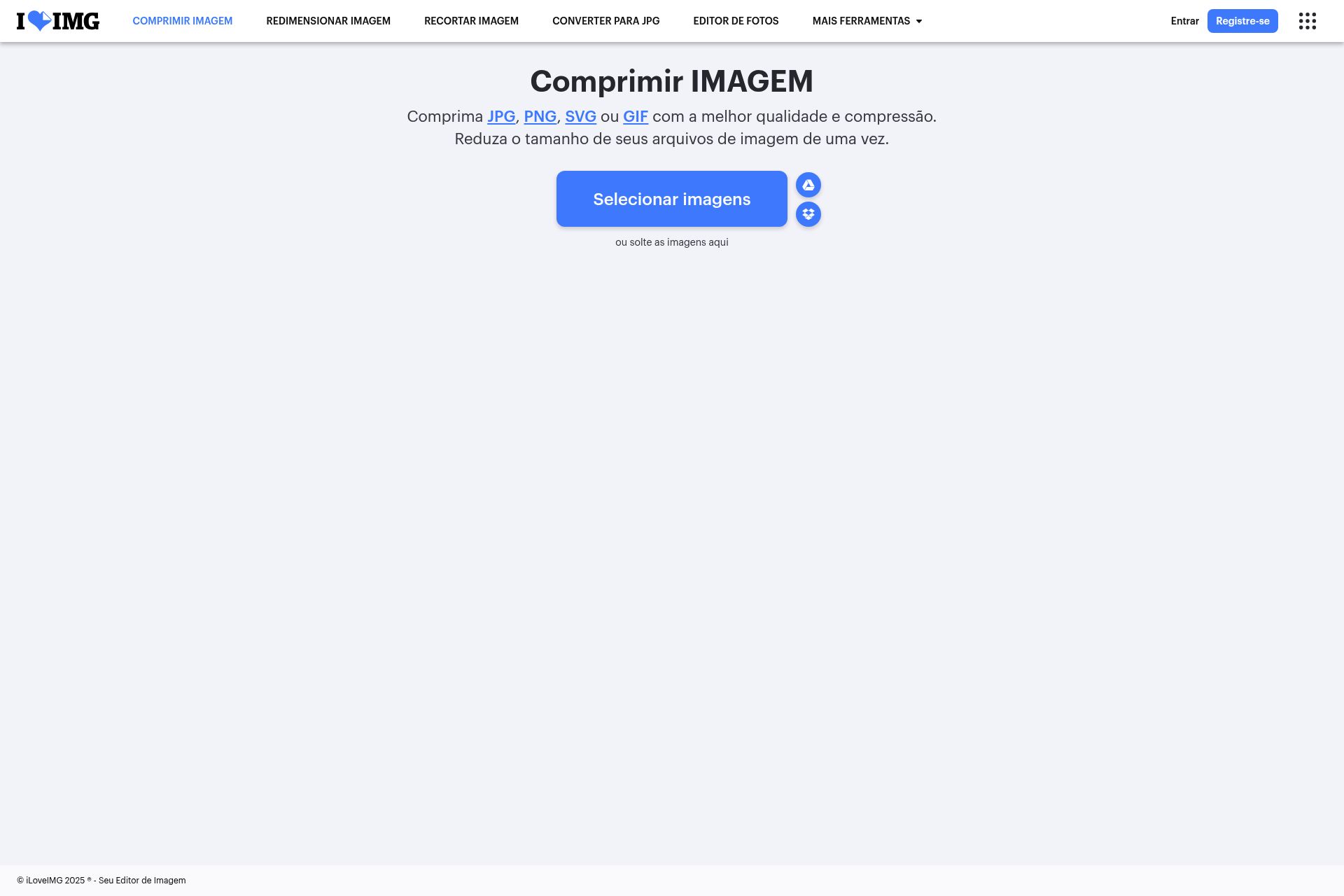
The user's biolink page serves as a central hub, offering a curated list of resources essential for aspiring and established live streamers. Among the links provided, one directs to a website for image compression. This tool is crucial for optimizing images used in streams, ensuring they load quickly and don't consume excessive bandwidth. Image compression is a vital step in preparing visual assets for online use, as it reduces file sizes without significantly compromising quality. This is particularly important for streamers who want to maintain a smooth and professional presentation without burdening their audience's internet connections. The linked website offers various options, including compressing, resizing, cropping, and converting images to different formats like JPG, PNG, SVG, or GIF. These functionalities cater to a wide range of image-related needs, making it a versatile resource for content creators.
Another valuable resource listed is a link to Restream, a platform that allows streamers to broadcast their content simultaneously across multiple platforms. This is a powerful tool for expanding reach and engaging with audiences on various social media channels. By using Restream, streamers can avoid the hassle of managing multiple streams individually, streamlining their workflow and maximizing their visibility. The biolink page also includes a link to download OBS Studio, a popular open-source software for video recording and live streaming. OBS Studio is a versatile and customizable tool that allows streamers to create professional-quality broadcasts with features like scene switching, overlays, and audio mixing. The provided link specifically points to older versions of OBS Studio, which may be preferred by some users due to compatibility issues or personal preferences. Additionally, the page provides a link to apply for live access on TikTok, guiding users through the process of unlocking the ability to stream on the platform. This is a crucial step for anyone looking to start live streaming on TikTok, as it ensures they meet the platform's requirements and guidelines.
The biolink page also provides recommended resolutions for live streams, specifically 720x1280 or 936x1664. These resolutions are optimized for mobile viewing, which is the primary way most viewers consume content on platforms like TikTok. By adhering to these recommendations, streamers can ensure their broadcasts look crisp and clear on mobile devices, enhancing the viewing experience for their audience. In addition to software and streaming platforms, the user also shares their hardware setup, providing valuable insights for those looking to build or upgrade their own streaming rigs. The setup includes a Upgamer A320-M motherboard, a Ryzen 4600G processor, 32GB of RAM, and a combination of SSDs for storage. This configuration suggests a focus on performance and responsiveness, ensuring smooth streaming and multitasking capabilities. The inclusion of an Air Cooler Gamer | Rise Mode | Z2 indicates attention to thermal management, preventing overheating during extended streaming sessions. The setup also includes a RISEMODE G2 MINI BLACK RGB keyboard, adding a touch of aesthetics to the overall setup.